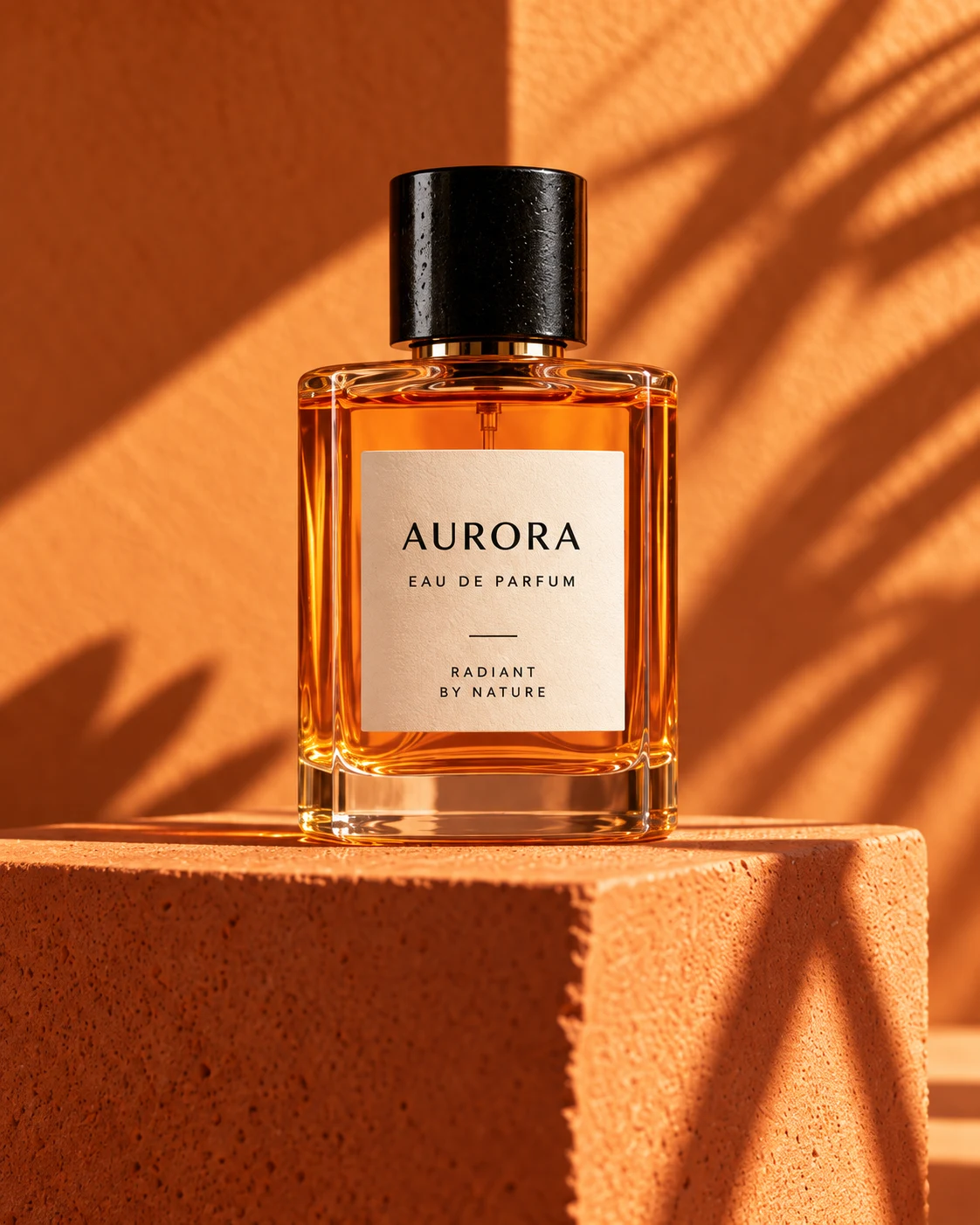
GPT Image 2
Create and edit images with GPT Image 2
Create images from text or edit a reference photo with GPT Image 2. Explore product shots, portraits, and visual ideas in NewYouGo Studio.
Create an image. Refine the details.
Start from a description or a reference photo, then explore the look that fits your project.
Generate or edit in one Studio
Create an image from text, or upload a reference to guide your next edit.
Describe the details
Write up to 20,000 characters to explain the subject, composition, lighting, and what to avoid.
Work from a reference
Use an existing image to guide the subject, product, or composition as you explore changes.
Follow your generation
See progress in Studio, then preview and download the result when it is ready.
Built for high-velocity teams
GPT Image 2 is strongest when prompts, references, and product delivery need to move quickly together.
Tools for your next image
The controls you need to create, edit, and review images in NewYouGo Studio.
Text to image
Describe the image you want, choose your settings, and start generating.
Reference image editing
Upload one reference image and explain the changes you want to make.
Content checking
Review the safety-check option before generating. Platform usage rules still apply.
Preview and download
Inspect your generated image in Studio and download the result.
Credits and history
Check the displayed credit cost before generating and find tasks in your history.
Frequently Asked Questions
Practical answers to help you create your first image.
Make your next image with GPT Image 2
Start with a prompt or a reference photo, then explore your own visual direction.