Cast left and right
Use two clear, well-lit photos. Place each person on a separate side and keep faces unobstructed.
Put your duo in the orange booth. Upload two photos, choose a reference performance, and create a Hotel Lobby-style video with your own cast.
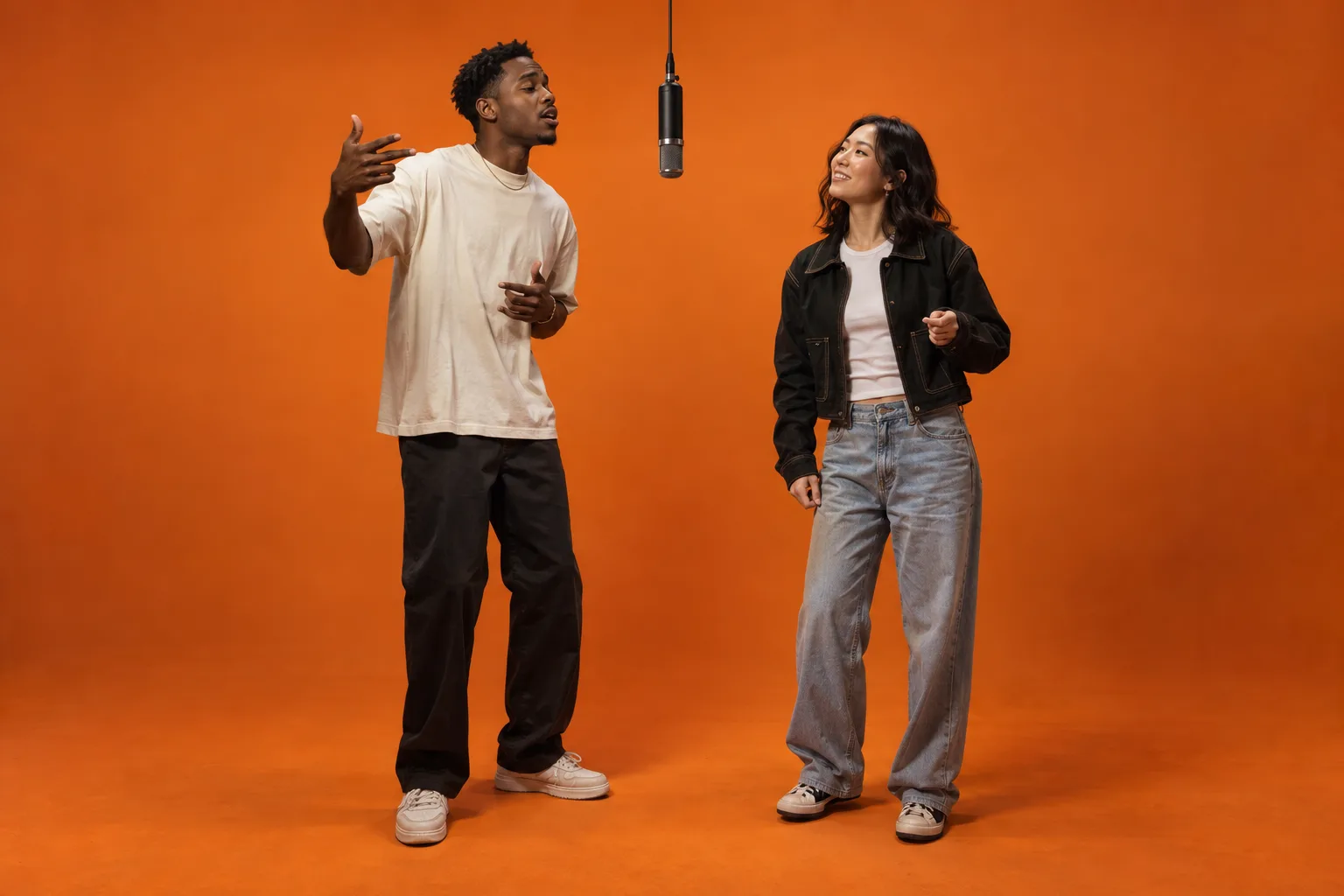
Assign a face to each side. The reference controls the performance; your photos guide the identities.
Review both faces, positions, hands and motion before sharing. Results can vary.
Open creation historyExamples of the two-person rap stage look. Upload two photos and a reference clip to make your own.
The trend takes its name from the “Hotel Lobby” duo performance: two people, a bold orange booth and one hanging microphone. NewYouGo uses video transformation so your reference guides the movements while two separate photos guide the cast.
Use two clear, well-lit photos. Place each person on a separate side and keep faces unobstructed.
Try the temporary duo rehearsal or upload your own 3–15.5-second clip. Your reference supplies the timing and motion.
Check the server-confirmed cost, generate once, and review both faces and movements before downloading.
Create a short visual performance for Reels, TikTok or Shorts. A clean source clip and distinct reference photos give the model a clearer job.
The generator assigns the first photo to the left and the second to the right.
Replace the left performer with the person in photo one and the right performer with the person in photo two. Keep their identities separate, follow the reference gestures and timing, and use an orange studio with one hanging microphone.
Choose the resolution that fits your clip. The same tariff applies on both pages; the server measures your reference duration.
| Resolution | Credits / second | 6-second example |
|---|---|---|
| 720p | 80 credits | 480 credits |
| 1080p | 108 credits | 648 credits |
| 4K | 268 credits | 1608 credits |
Priced in NewYouGo credits. Duration is rounded up to the next full second. A failed task’s billing status appears in your creation history.
It is an AI version of the orange-booth duo video trend associated with the “Hotel Lobby” performance. The scene uses two performers and one microphone; it is not a hotel interior.
Yes. Upload two separate photos. Photo one is assigned to the left performer and photo two to the right. Identity consistency and side assignment still need to be checked in the result.
The model uses video transformation to follow the reference. It can change gestures, faces or timing, so exact choreography and perfect likeness are not guaranteed.
No original track is bundled with the template. The audio option enables AI audio; it does not guarantee preserving a song. Add music you have permission to use after downloading.
Yes. Upload your MP4 or MOV in the generator. The temporary rehearsal is a Pexels stock reference, not the original Hotel Lobby performance.
Selecting photos shows a local preview. Uploading stores private references in your account. When you generate, the photos and reference video are sent to the video provider to process the task.
Start with two photos and a short reference performance.