FLUX 3 Max
FLUX 3 Max video preview
Turn a written scene or a still image into a short video.
Start with a scene
Describe a shot, choose your settings, and check the credits before generating.
Model demo. Actual results may vary.
Create your next video with FLUX 3 Max
Write a scene or bring a still image to life. Shape the movement, camera and sound, then create a 5–20 second video in 720p or 1080p.
FLUX 3 Max
See what a scene can become
Start with an idea or a first frame. These published examples show how motion, dialogue and camera direction can work together.
A commercial from a written scene
A western-inspired commercial created from a text prompt, combining camera movement, performance and sound.
Model demo. Actual results may vary.
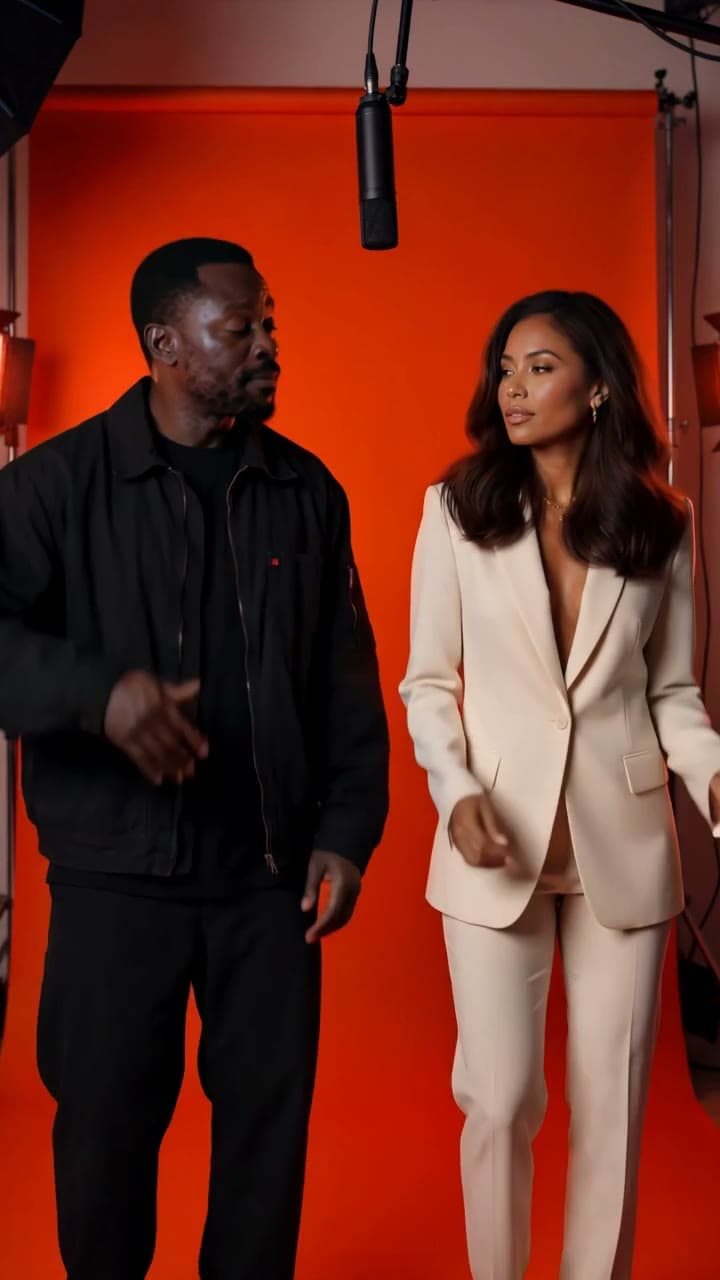
Motion guided by a first frame
A still image anchors the opening composition, while the prompt directs the character, camera and spoken lines.
Model demo. Actual results may vary.
Direct the shot
Describe subject movement, lighting and camera direction. Give the model a clear sequence of actions.
Guide the beginning and ending
Upload a first frame, then optionally add a last frame to guide where the shot finishes.
Choose the delivery format
Create 5–20 second videos in landscape, portrait or square formats, with optional generated audio.
FLUX 3 Max questions
Explore another way to create
Compare controls and workflows for your next clip.
 Featured
Create a 15-second video from text or photos with native audio. Fixed 700 NewYouGo credits per generation.
 Featured
Cinematic text-to-video and image-to-video generation with single-shot and multi-shot workflows.
Put your next scene in motion
Create a FLUX 3 Max video from a prompt or a first frame, with the credit cost shown before you generate.